Undo a PPF patch in the browser
Use PPF Undo with the patched ROM and the exact PPF3 patch that changed it. The patch must contain undo data.
This tool cannot undo arbitrary patches or reconstruct bytes absent from the patch.
Restore the saved bytes
- Open PPF Undo.
- Add the patched ROM and the original
.ppfpatch. You can add archives containing either or both. - If an archive contains several candidates, choose the ROM and PPF patch to use. Check the Patched ROM and PPF patch cards and any warnings about ignored inputs.
- Enter a separate output filename. Choose its format in Restore; open Options to adjust compression.
- Select Restore original ROM.
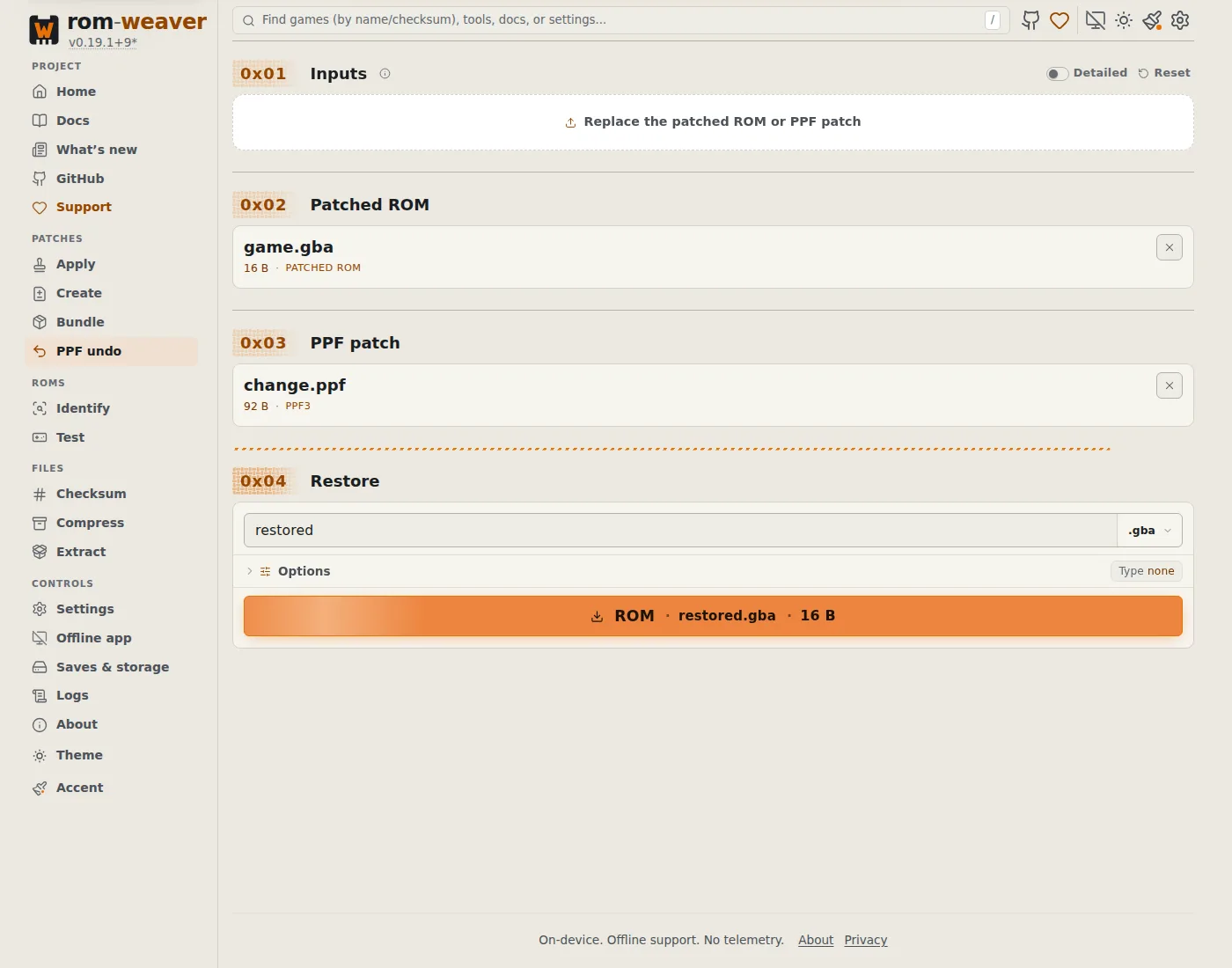
If an input is invalid, replace it before restoring. If the patch lacks undo data, use your clean backup. The tool cannot recover changes from other patches applied afterward.
Check the restored copy
Compare the restored file's checksum with the known original using Identify. Test the copy before replacing any file.
For the terminal command, see CLI tools. PPF background explains the format.